Walk through your flat before you buy it.
Homewalk turns the 2D floor plans in a builder's brochure into a 3D home you can orbit and light with the real Hyderabad sun. Furnishing it is in progress.
Open the demoRuns in your browser. No sign-up.
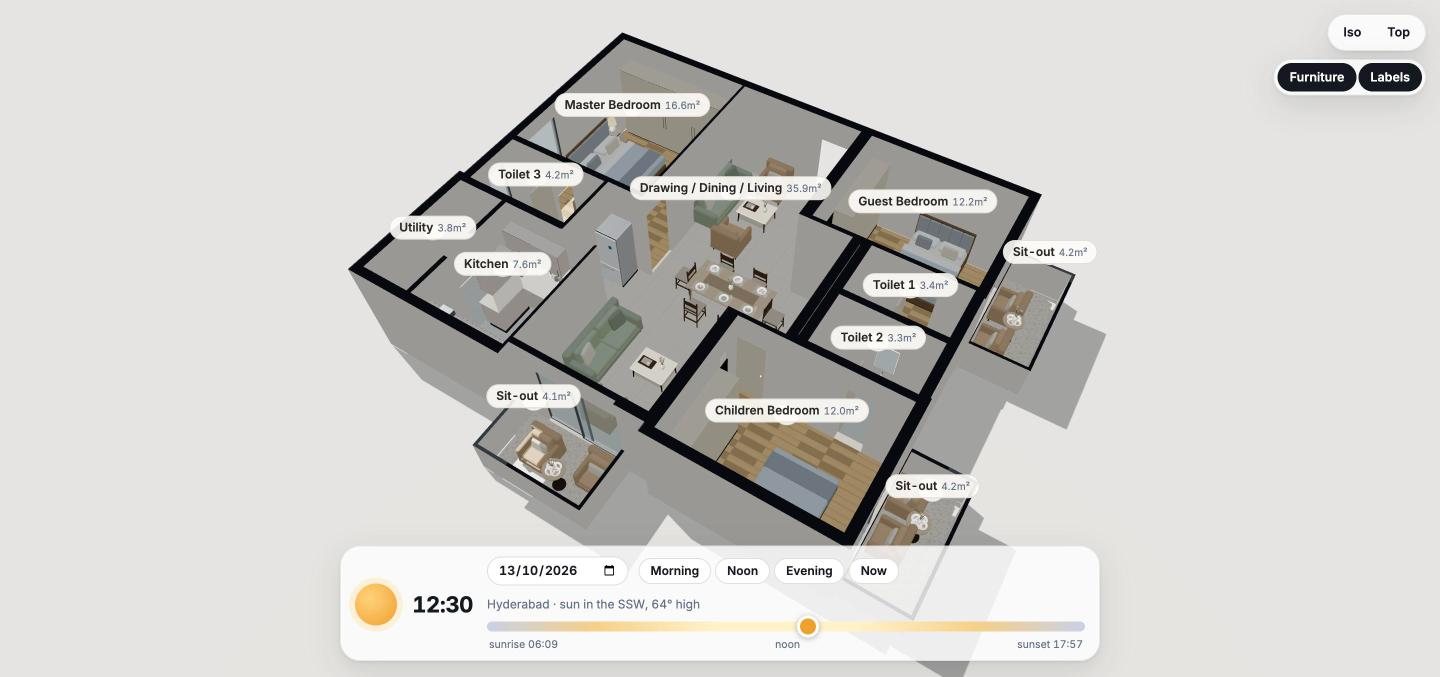
This is the product, not a video. Type 07, IRA Aspiration (3 BHK, west-facing). Drag to orbit, switch to iso or top view, toggle furniture and labels, and move the sun.
The problem
A brochure plan gives you sizes. You need to know how it feels.
The questions that decide a purchase are hard to answer from a flat drawing.
What it does
See it, light it. Furnishing is next.
The real sun, in every room
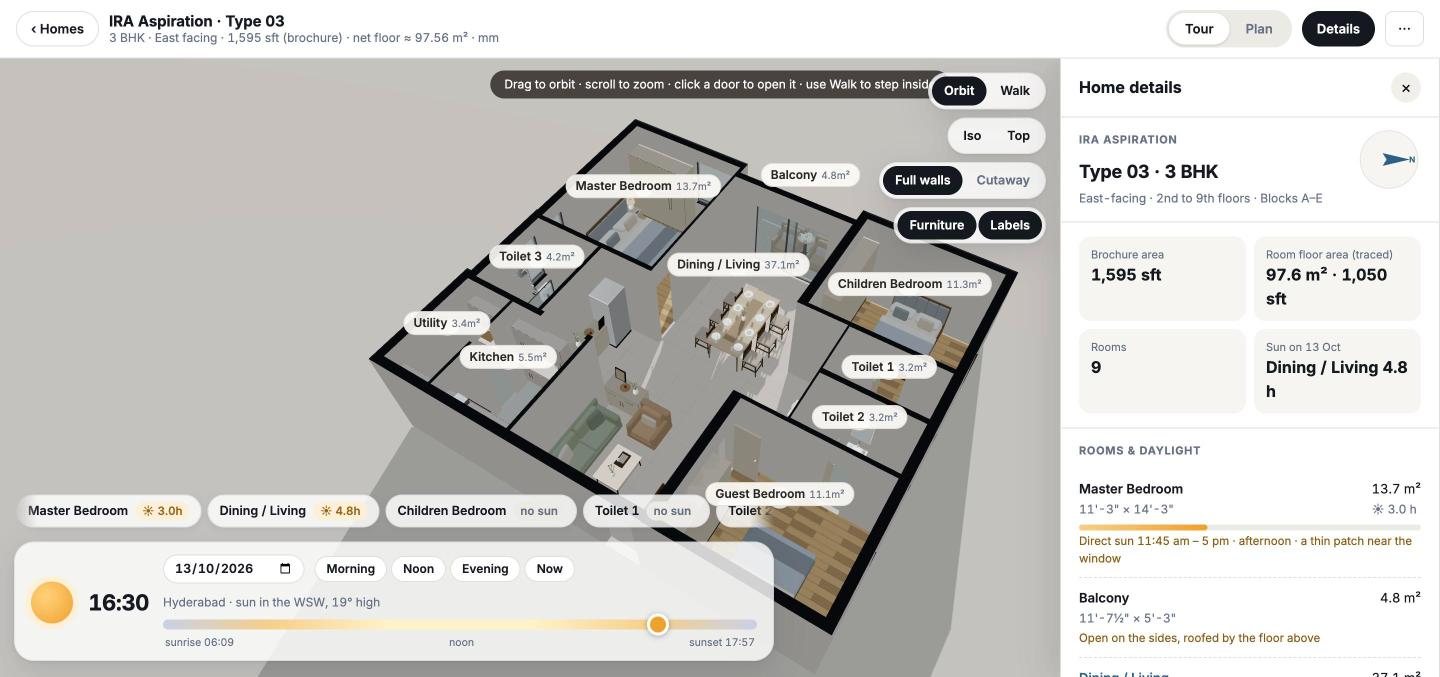
Pick a date and a time in Hyderabad. Light and shadows follow the actual position of the sun, and Homewalk estimates the hours of direct sun each room gets and when.
- Date and time scrubber, with sunrise and sunset for that day
- Direct-sun hours and time window for every room
- Orientation taken from the brochure's own compass
Tour it in 3D
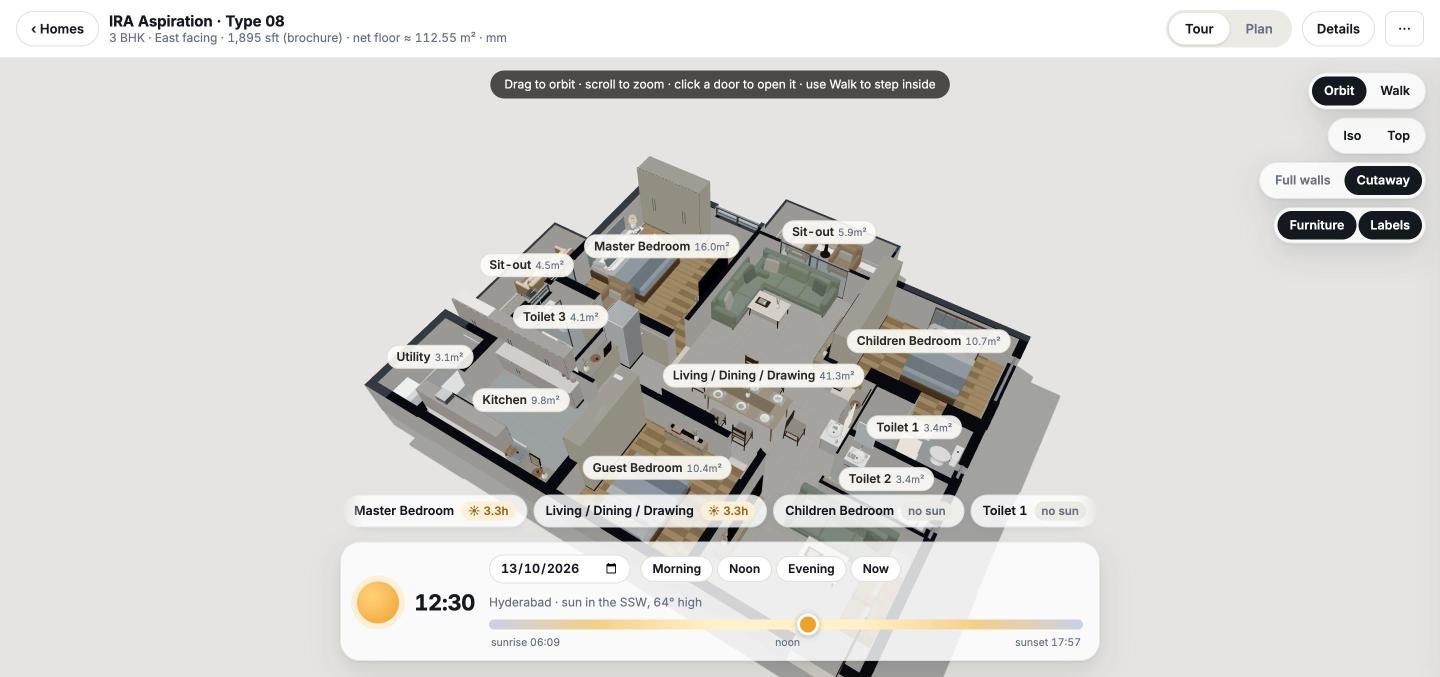
Orbit the whole flat, switch to an iso or top view, cut the walls away to see inside, or walk through it at eye level. Doors open.
- Orbit, iso, top, cutaway and walk modes
- Room labels with areas
- Fly to any room from the room strip
Furnish it and check the fit
Being built. An early version already lets you drag furniture from a library of 60 items onto the plan, rotate it, measure walls, and see an estimate of the interiors and flooring cost in rupees.
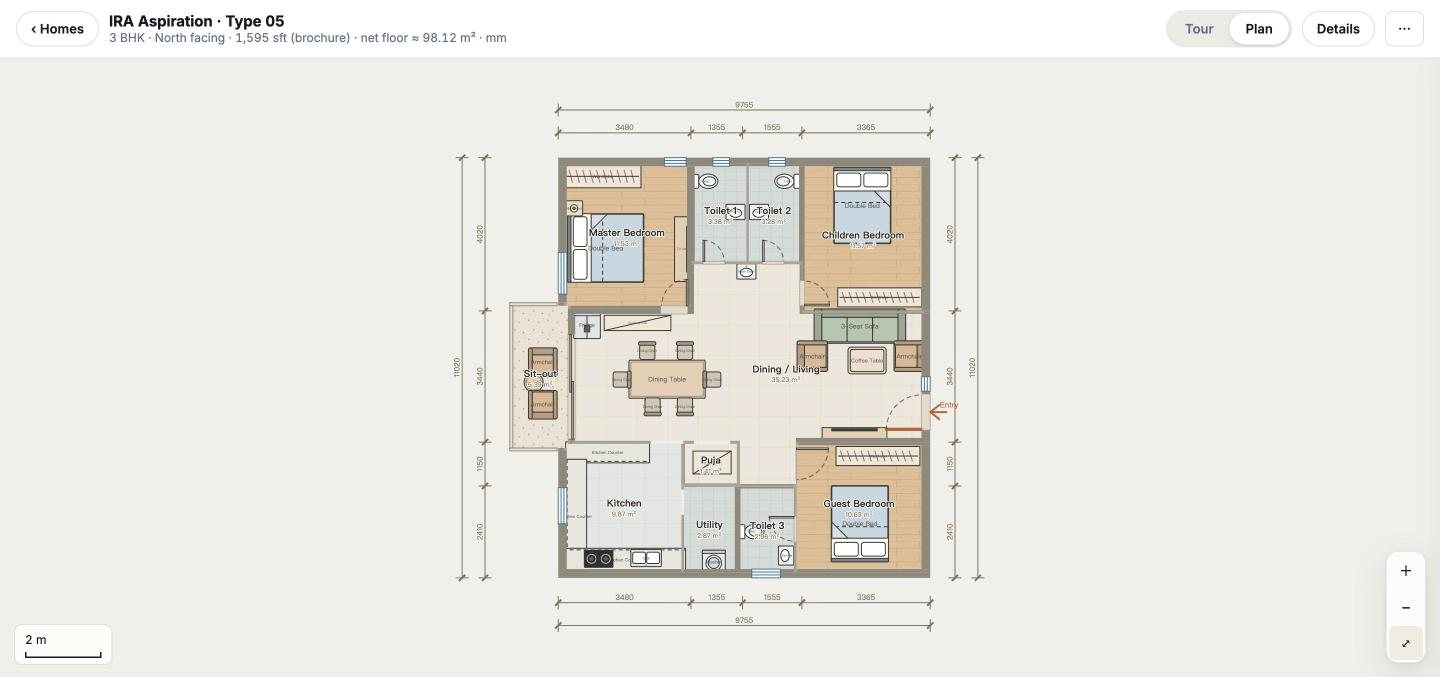
- Dimensioned 2D plan with room areas
- Furniture shown in every plan
- Placing your own furniture: in progress
How it works
From brochure page to a home you can walk through.
In the demo today
One real project, every plan type in its brochure.
Project facts come from the IRA Aspiration brochure. Homewalk is an independent project and is not affiliated with IRA Realty.
Try it on a real flat.
Open the demo, pick a type from IRA Aspiration, and walk through it.
Open the demo